Found It: Home Storage
Map every room, box and item so you can always say "found it" in one search.
App Store पर डाउनलोड करेंस्क्रीनशॉट
विवरण
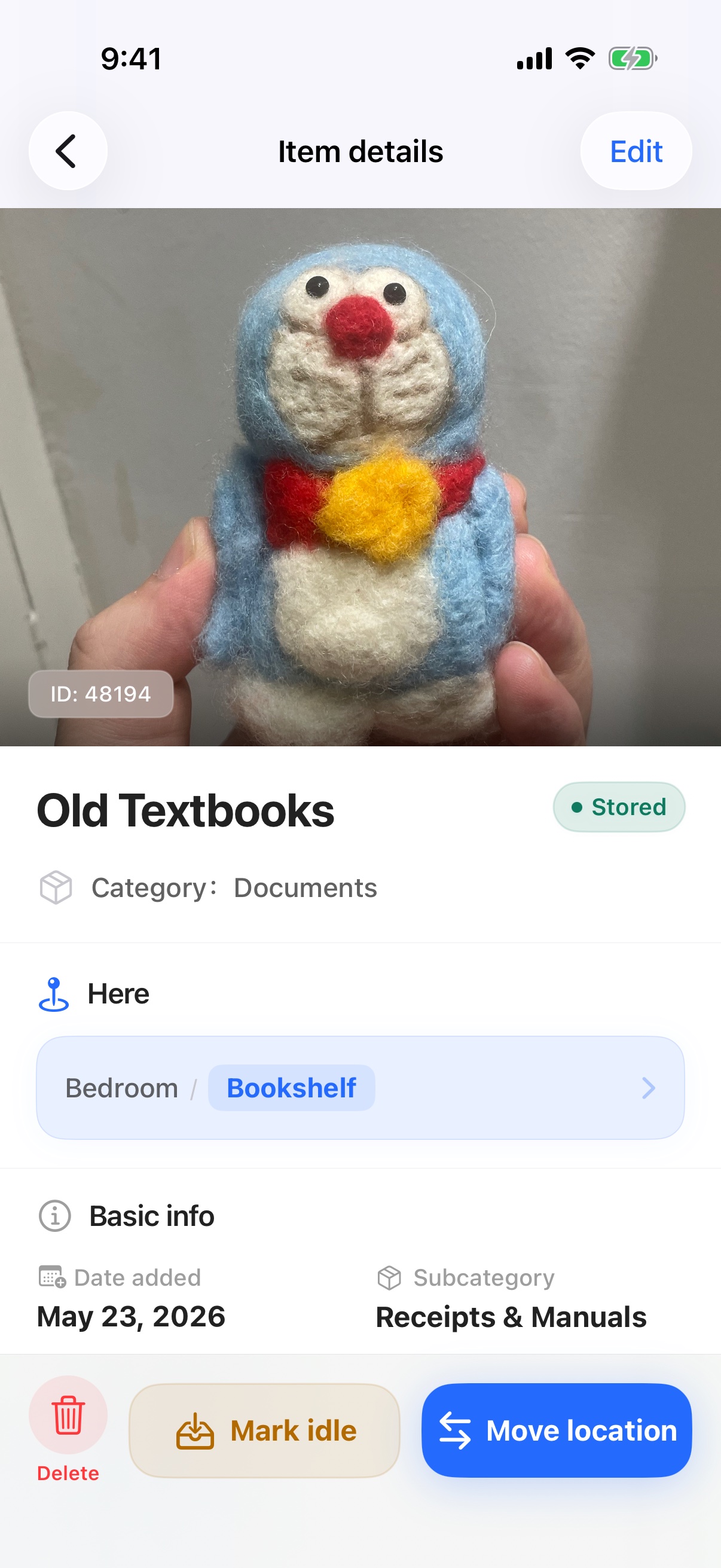
Found It (also known as 放哪了) is a home organization app for families and renters who keep asking "where did I put that?". Its core promise is simple: capture it once, find it without digging. Snap an item when it arrives, give it a name, and save it into a room or container — then search by name, room, or container anytime to see exactly where it went.
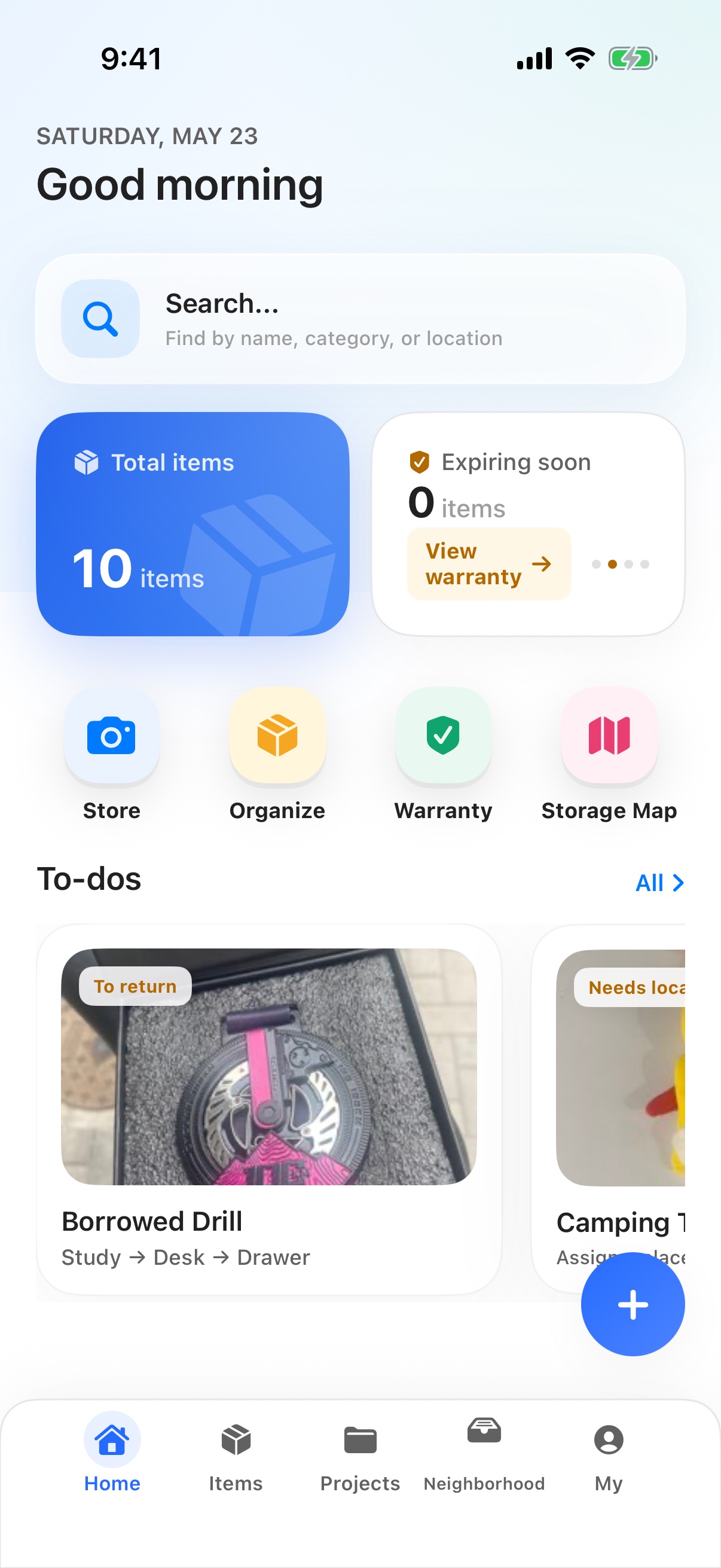
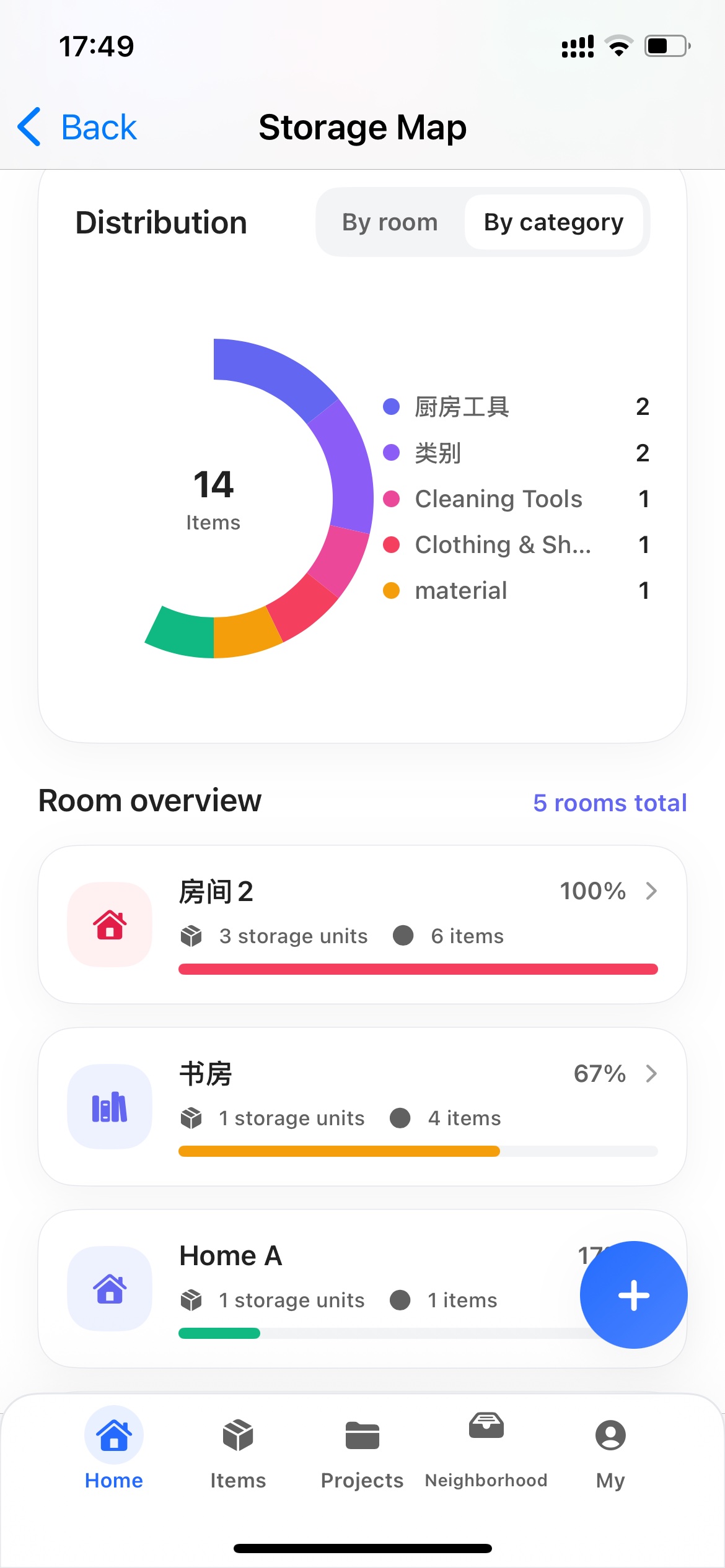
The app pairs a low-friction capture flow with a clear storage map. On Home you see how many items are stored, how many are still waiting for a place, and which items have been idle long enough to review. Add a room or container in seconds, log new items as they arrive, and assign exact placement now or later — nothing forces you to organize before you start.
On-device recognition (Apple Vision) suggests a name and category from the photo so logging stays fast and private. If you want stronger naming, you can opt in to a Custom Model with your own AI provider key (BYOM) — the app does not charge additional call fees for that mode. A built-in cloud recognition option is planned next.
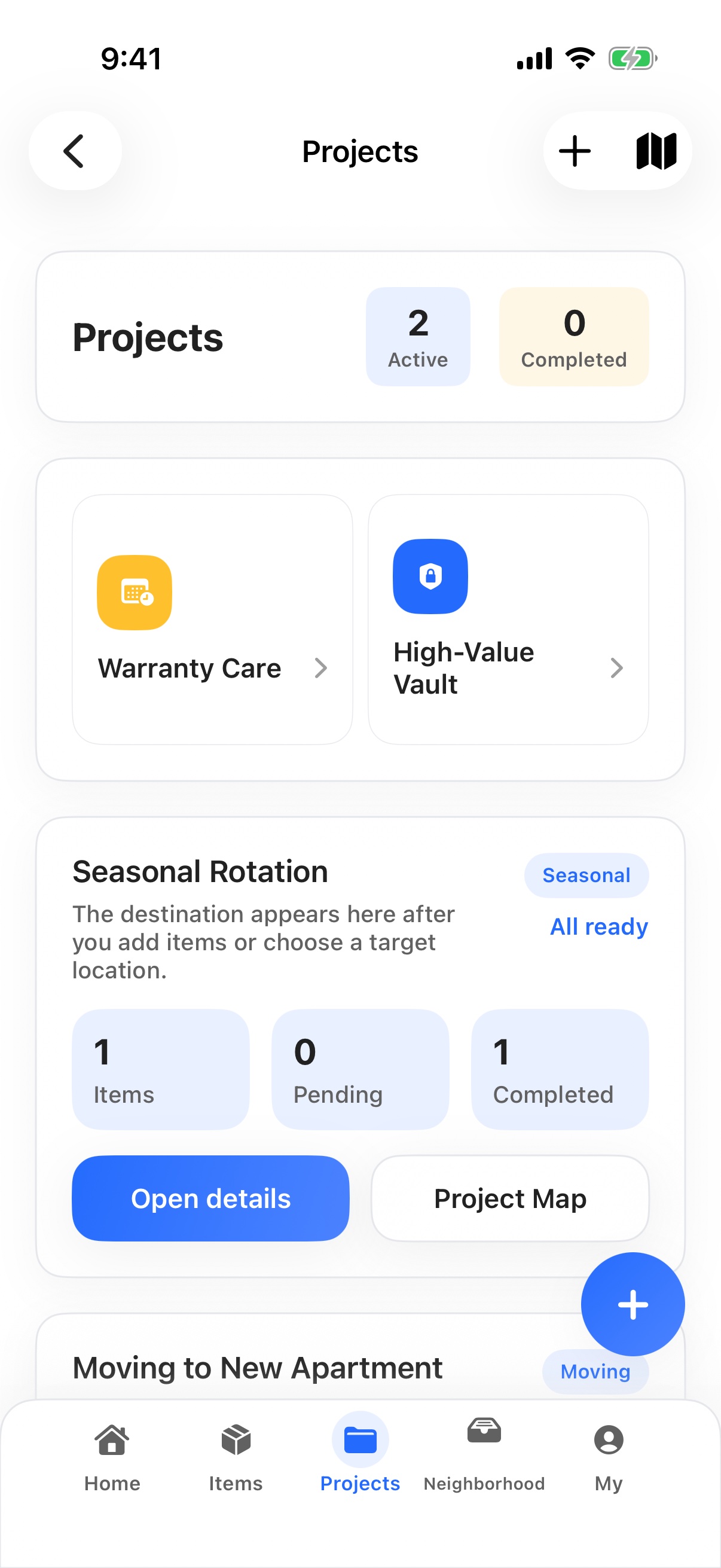
Project Hub turns common household scenarios into structured workflows: a Moving project to pack and unpack with batch organize, a General project for everyday decluttering sweeps, a Warranty & Maintenance Center to track purchase dates and warranty expirations, and a High-Value Asset Vault for items you want to keep close attention on. Each project keeps its own context so the rest of your inventory stays clean.
Poster Studio lets you turn idle items into shareable listings (for sale, swap, or give-away) or generate a weekly cleanup recap and an organization-progress poster you can share with family or social feeds. The Process Center records what was cleared and when, so the work you put in stays visible.
Cloud, family, and recovery are member features. Membership unlocks the storage map, organizing projects, batch move/edit/delete, advanced recognition, iCloud backup and restore, cross-device sync, larger home archives, and Apple-native Family Space built on CloudKit shared database, so household data can be shared with family members through the system share sheet. Export to CSV or JSON is available to all users.
Three steps to your first win: 1) Add one room and one container. 2) Log five items you most often misplace. 3) Search any one of them by name, room, or container and jump straight back to where it belongs — that is the "Found It" moment the whole app is built around.
मुख्य फीचर
- Quick capture flow: snap a photo, name it, save it into a room or container — exact placement can wait if you are in a hurry.
- On-device recognition with Apple Vision suggests a name and category from the photo, keeping logging fast and private by default.
- Bring-your-own-model (BYOM) recognition: connect a Custom Model endpoint when you want stronger naming, billed by your own provider.
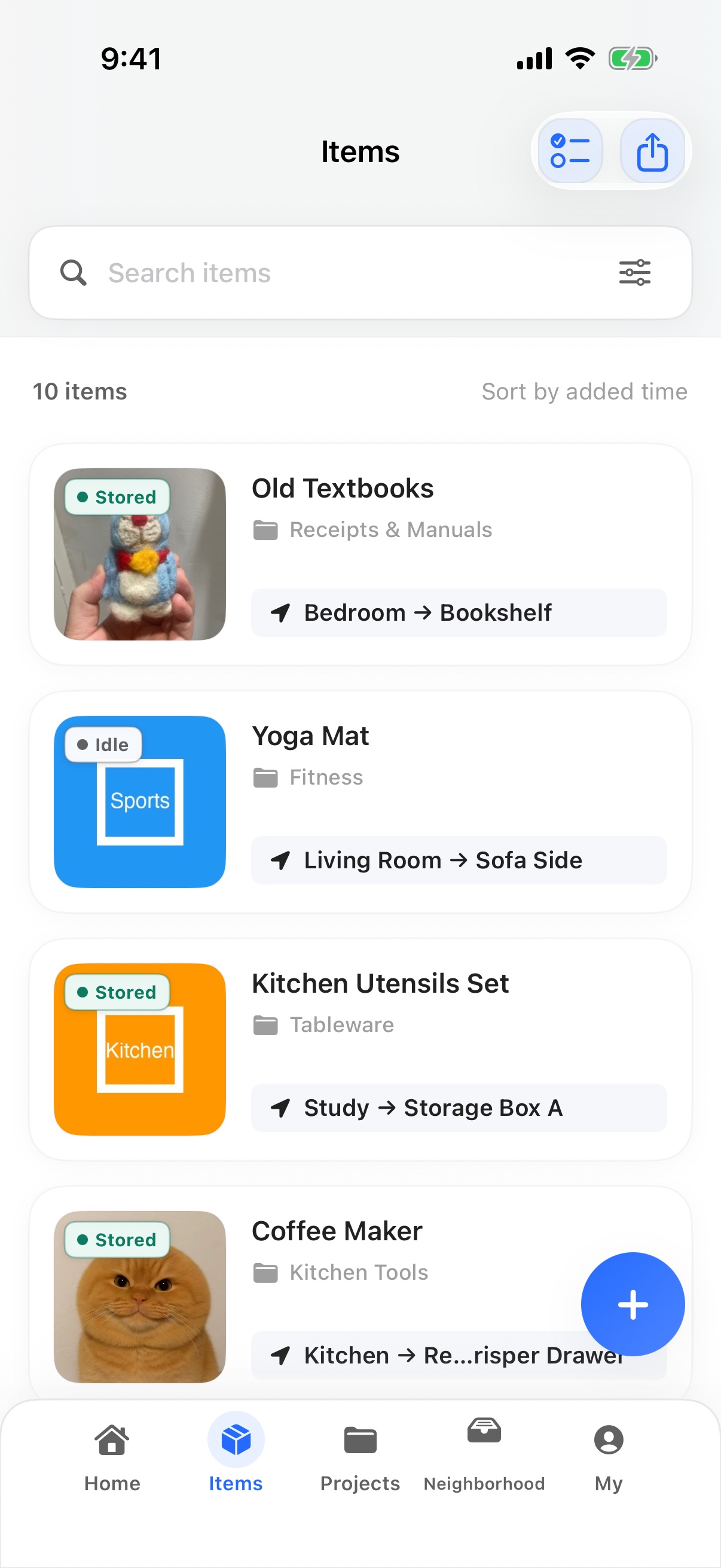
- Search by item name, room, or container and jump back to its latest placement without digging through drawers and boxes.
- Home dashboard shows what is stored, what is still pending a place, what is idle and worth reviewing, and the most active containers.
- Storage map: start with rooms and containers, then add floor-plan detail whenever you are ready — the map grows with your home.
- Project Hub: dedicated workflows for Moving, General decluttering, Warranty & Maintenance, and a High-Value Asset Vault.
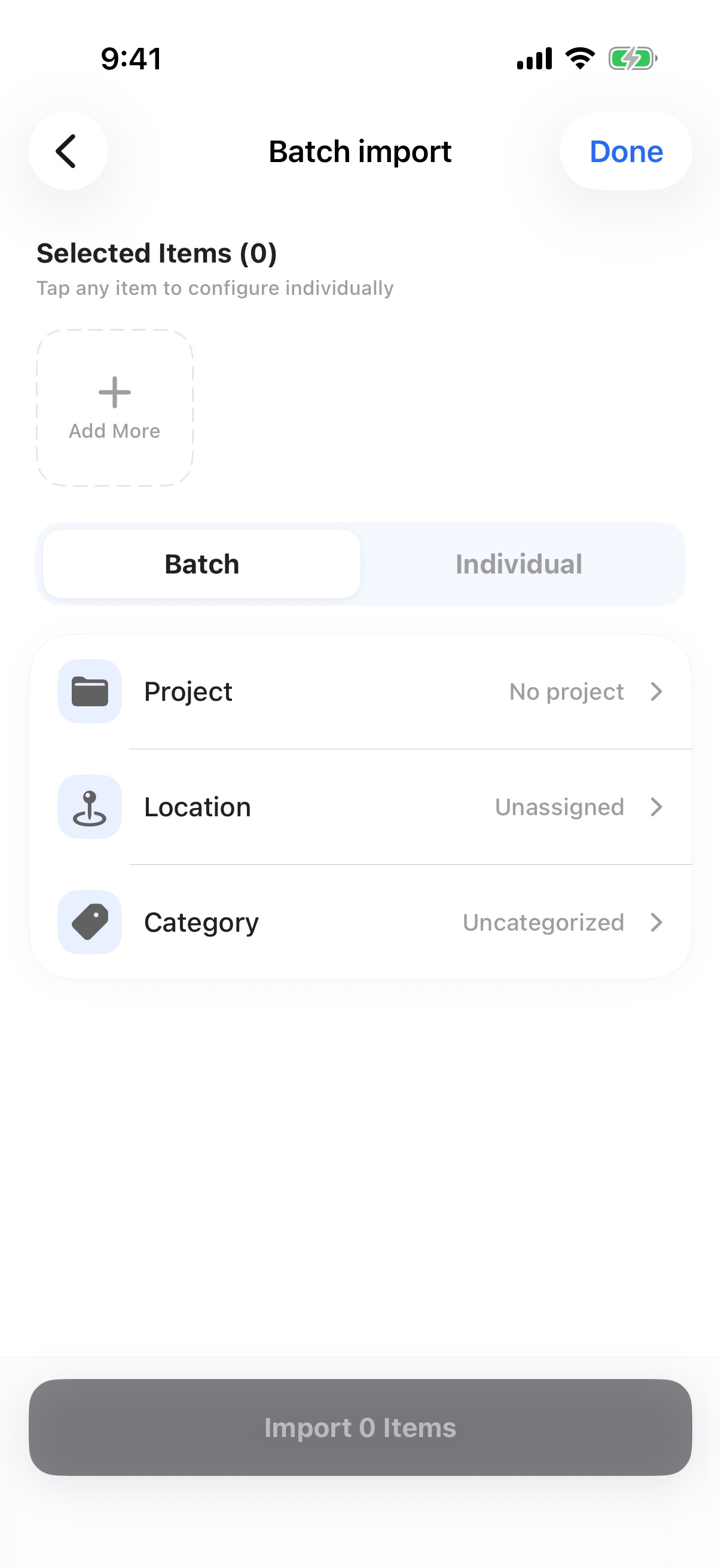
- Batch organize, batch move, batch edit, and batch delete for moving day, seasonal swaps, and large cleanups.
- Warranty & Maintenance Center: track purchase dates and warranty expirations next to the item's location.
- Poster Studio: turn idle items into ready-to-share sale, swap, or give-away listings, or generate weekly cleanup and organization-progress posters.
- Process Center: keep a visible record of what was cleared, listed, or released, so organizing wins do not disappear.
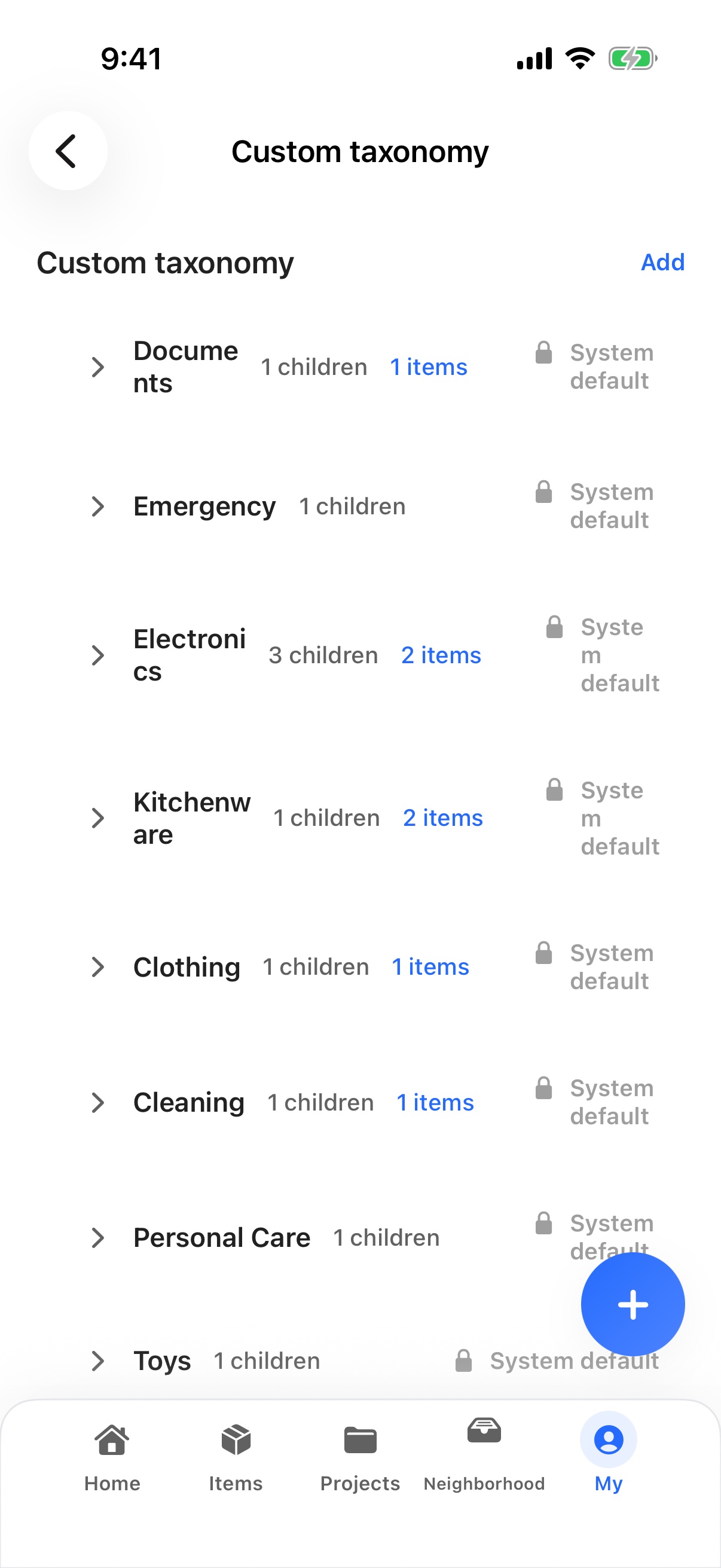
- Smart taxonomy with editable defaults for clothing, electronics, documents, kitchen, kids, tools, and seasonal items.
- iCloud backup and restore so a new or empty device can recover items, locations, and key images (member feature).
- Apple-native Family Space via CloudKit shared database and CKShare: invite family with the system share sheet, share one household dataset (member feature).
- Cross-device sync between iPhone and iPad, with image sync quality (Space Saving / Balanced / Original First) you can control.
- Export your full household memory as CSV or JSON, available to all users.
- Redeem promo codes inside the app, manage subscription status, and view membership benefits in one place.
- Privacy posture: API keys for custom models always stay on the device and are never included in cloud backups.
Found It बनाम अन्य घरेलू इन्वेंट्री ऐप्स
वास्तविक खोज क्षमता, कैप्चर गति, परिवार साझाकरण और गोपनीयता पर केंद्रित संरचित तुलना — प्रतिस्पर्धियों का नाम लिए बिना।
| आयाम | Found It | अन्य समान ऐप्स |
|---|---|---|
| Finding things again | Search by item, room, or container and jump straight to its latest placement | Endless scrolling through long text lists or guessing which drawer it was in |
| Capture friction | Snap a photo, on-device AI suggests name and category, save to a room or container in seconds | Manual typing of every item name, category, and location field |
| Spatial context | Storage map starts with rooms and containers and shows where things actually live, with optional floor-plan detail | Flat alphabetical lists with no sense of physical place |
| Decluttering guidance | Project Hub with Moving, General, Warranty & Maintenance, and High-Value Vault workflows, plus an organization diagnosis | Generic to-do lists or paper checklists that go stale after one weekend |
| Recognition flexibility | On-device Vision by default, opt-in BYOM custom model when you want stronger naming, billed by your own provider | Forced cloud recognition with no opt-out and no control over which provider sees your photos |
| Sharing the house | Apple-native Family Space via CloudKit shared database with the system share sheet, no custom account required | Custom family accounts, separate logins per member, and unclear data ownership |
| Moving and seasonal swaps | Batch organize, batch move, batch edit, batch delete for whole containers at once | One-item-at-a-time entry that punishes anyone with more than a handful of items |
| Warranty and high-value items | Warranty & Maintenance Center and High-Value Asset Vault sit next to the item's location | Separate apps for warranty tracking that have no link back to the item's place at home |
| Posters and re-sale | Poster Studio turns idle items into sale, swap, or give-away listings and weekly cleanup recaps | No way to turn organizing wins into something visible or sharable |
| Privacy posture | API keys stay on device, never included in cloud backups, recognition mode chosen by you | Photos and metadata silently uploaded to a single backend you cannot inspect or replace |
| Backup and restore | iCloud backup and restore covers items, locations, organization state, and image copies at your chosen quality | Inventories tied to a single device that vanish when the phone is lost or replaced |
| Data portability | Free CSV and JSON export of the whole household memory for all users | Data locked inside the app with no clean export path |
अक्सर पूछे जाने वाले प्रश्न
उन परिवारों और किरायेदारों के सामान्य प्रश्न जो वास्तव में उपयोग होने वाली घरेलू इन्वेंट्री चाहते हैं।
What is Found It and who is it for?
Found It (also known as 放哪了) is an iPhone app that helps families and renters remember where things go, retrieve them quickly, and clear space before clutter builds up. It is built around one promise: capture it once, find it without digging.
How does Found It actually find an item?
Each item is bound to a room and a container on your storage map. Search by item name, room, or container and the app jumps straight to its latest placement, with the room and container clearly shown.
Do I have to organize before I can log an item?
No. The capture flow is built around "log first, organize as you go" — you can leave items pending and assign their exact place later. The Home dashboard surfaces what is still waiting for a place.
How does item recognition work and is my photo safe?
By default Apple Vision runs on-device, so naming stays fast and private. If you opt in to a Custom Model (BYOM), photos and basic metadata are sent only to the AI provider you chose, under that provider's privacy policy. The app does not charge additional call fees for BYOM mode.
Can I share the household map with my family?
Yes, with a membership. Family Space uses Apple-native CloudKit shared database and CKShare, invited through the system share sheet. There are no custom family accounts and no separate logins per member.
What is included in a membership?
Membership unlocks the storage map, organizing projects (Moving, General, Warranty & Maintenance, High-Value Vault), batch move / edit / delete, advanced recognition, iCloud backup and restore, cross-device sync, larger home archives, and Family Space.
Does Found It work well for moving day or seasonal storage?
Yes. The Moving project plus batch organize, batch move, and batch edit are designed for packing a whole container at once, then re-assigning placements when you unpack in the new home.
What about high-value items, warranties, and receipts?
The Warranty & Maintenance Center and High-Value Asset Vault keep purchase dates, warranty expirations, and item context next to the physical location, so reminders show up where the item actually lives.
Can I get my data out of the app?
Yes. CSV and JSON export of the full household memory is available to all users. iCloud backup and restore is available to members.
Is the cloud backup a real-time collaboration tool?
No. iCloud sync is backup and restore today, not real-time multi-editor collaboration. Restore overwrites local data and recovers matching images — the app warns you before doing this.
What can I do in five minutes to feel the value?
Add one room and one container, log five items you most often misplace, then search any one of them by name, room, or container. The moment you jump straight back to its place is the "Found It" experience the app is built around.